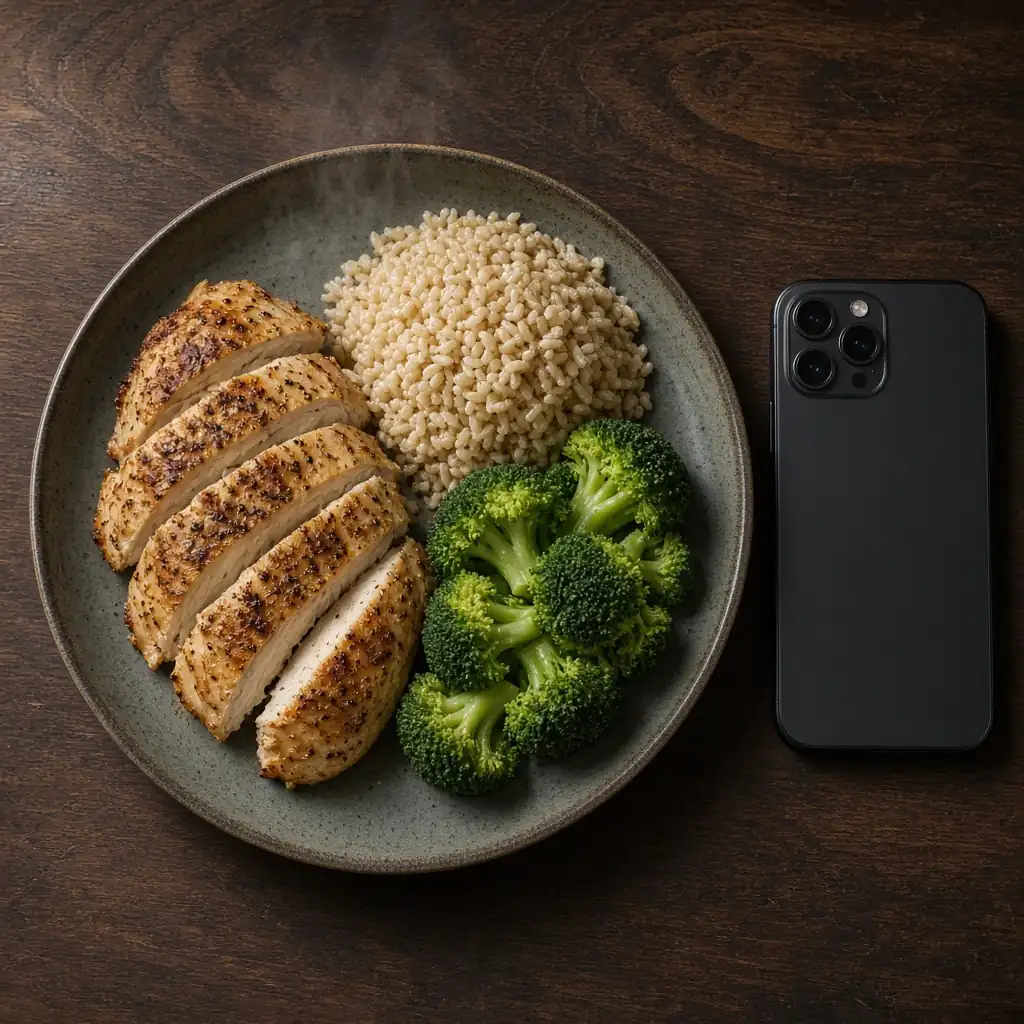
🧑🍳RecipesHow to Build a Weekly Meal Plan Around Your Calories and Macros
A method for planning a week of meals against your calorie and macro targets, with a short rotation of breakfasts and lunches and one grocery list at the end.
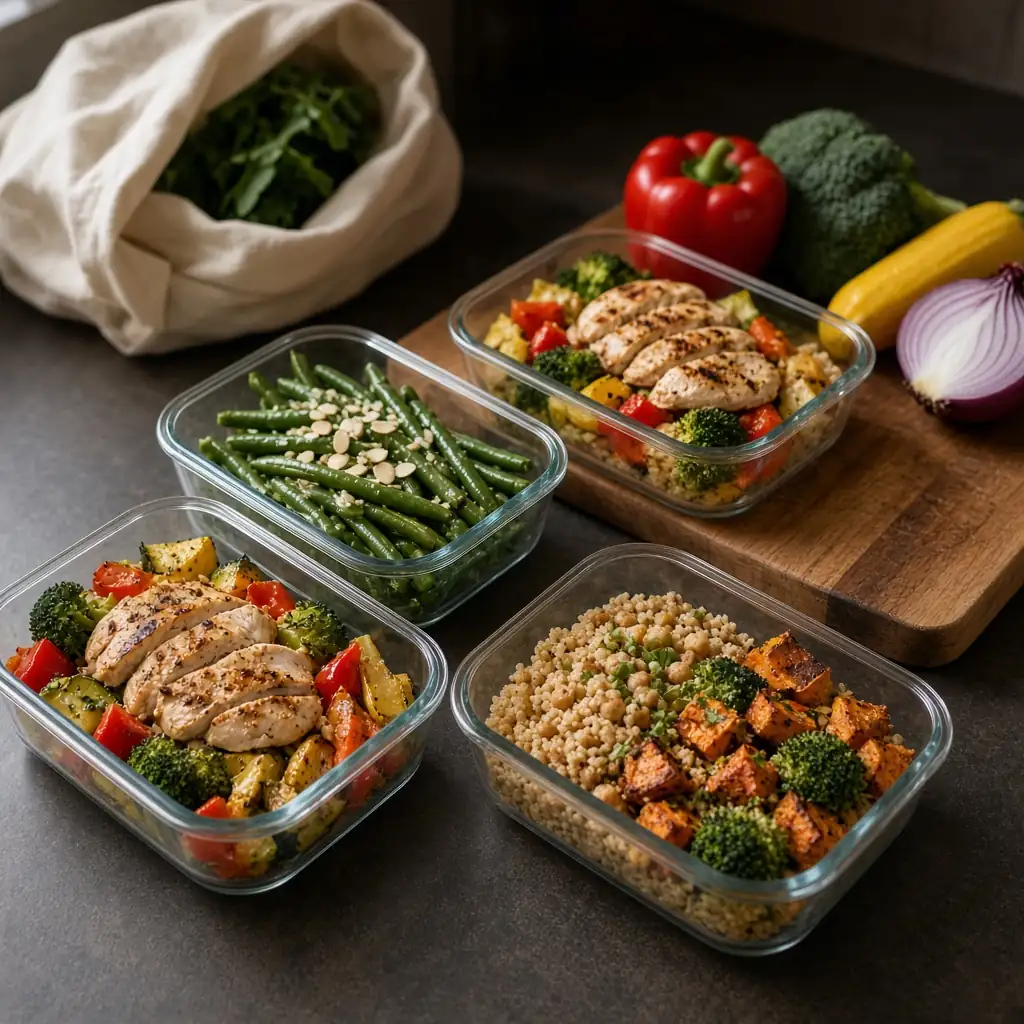
A weekly meal plan is easier to follow when the numbers come first. Instead of collecting a stack of new recipes and hoping they add up, you start from your calorie and macro targets, map the week you actually have, and fill it with a short rotation of meals you already like.
This is a different job from a generic "plan seven dinners" article. The ChefGPT blog already has a post on how to meal plan for a week. This one is about planning against the targets you set in how to set nutrition goals you can actually log, then logging what you cook. It also works alongside healthy meal-prep recipes for busy weekdays and healthy one-pan dinners, which are sources of meal ideas rather than a second planning method.
Why the numbers come first
If you already have a daily calorie figure and a range of protein, carbohydrate, and fat, the week's meals are a way of spreading those numbers across breakfasts, lunches, dinners, and snacks. Each meal does not need to look like a miniature version of the day. A lighter breakfast and a more substantial dinner can still land in the same daily range.
The official macro ranges themselves are wide. For adults, the Acceptable Macronutrient Distribution Ranges are 10% to 35% of calories from protein, 20% to 35% from fat, and 45% to 65% from carbohydrate, as summarized in a review of the Dietary Reference Intakes. You are planning inside a band, not toward a single perfect plate.
Writing the numbers down before you shop also saves you from a familiar problem: a grocery list full of ingredients that do not add up to a protein target, or a week of meals that looks balanced on paper but leaves no room for a dinner out on Thursday.
Map the real week
Open the calendar before you open a recipe box.
Note the evenings you will be out, the days you can cook at a normal pace, and the days when a leftover or a very simple skillet is the only realistic option. If you eat lunch at work, decide whether that lunch is a packed box or something you will log from a restaurant, as in how to log restaurant and takeout meals.
This is also the moment to look at what is already in the kitchen. A pot of cooked grains, vegetables you already bought, a can of beans, or leftover roasted chicken can all sit at the start of the plan. Recipes from the ingredients you have are useful here, and how to use an AI recipe generator covers how to turn a leftover-plus-staple combination into a draft recipe.
Repeat breakfasts and lunches; plan dinners last
A plan holds up better when it does not ask you to cook twelve new dishes. Choose two or three breakfasts and two or three lunches you are happy to repeat. Dinners can change more often, and leftovers from dinner can become the next day's lunch on purpose.
A simple structure looks like this:
- Breakfasts: a short rotation, such as yogurt and fruit on some days and eggs and toast on others. Worked nutrition for both appears in 10 high-protein meals.
- Lunches: a grain bowl, a leftover dinner, or a packed plate you can assemble without much cooking.
- Dinners: the most variable slot. Plan them last, and cook a double batch when the calendar has a busy night coming.
- Snacks and drinks: include them if you want them in the totals. If you skip them in the plan, skip them in the log as well, so the days stay comparable.
The MyPlate Plan can sit next to this grid as a food-group check: vegetables, fruit, grains, protein foods, and dairy or alternatives at your calorie level.
Assign protein, then carbs, then fats, and check the day
When you fill each slot, start with the protein food, then add the carbohydrate, then the fat. That order makes it easier to see whether the day is short on protein before you add more rice or oil.
Then check the day, not each meal in isolation. Add up breakfast, lunch, dinner, and any snacks, and compare the total with your calorie and macro targets. A breakfast that looks modest is not a problem if lunch and dinner are built to match the day. A dinner that looks large is easier to understand when the earlier meals are already logged.
Use official numbers for the meals you repeat. USDA FoodData Central and package labels are the two sources used throughout this series. Once a repeating breakfast has a saved entry, you can log it without starting from scratch each morning.
If a day sits far from the others, look for a missed drink, a doubled portion, or an evening meal that was never written down. Adjust one ingredient at a time — usually the grain, the oil, or the protein — and add the day up again.
Build one grocery list from the finished grid
Only after the week is filled should you write the shopping list. Add up the quantities of each ingredient across the meals, include what you need for anyone else you are cooking for, and subtract what is already in the kitchen.
Group the list by the way you shop: produce, protein foods, dairy, dry goods, and household staples. If three meals use spinach, buy one amount that covers all three rather than treating each recipe as a separate trip. If a meal depends on a leftover, do not buy a second set of ingredients for that lunch.
This is also a good time to decide what you will cook in a batch. Soups, roasted vegetables, cooked grains, and a tray of chicken or tofu often carry through several days. The USDA FSIS leftovers guidance is the reference for how long cooked food can be kept in the refrigerator (3 to 4 days) and how to reheat it (to 165°F). For the logging side of a batch, see how to log homemade recipes and leftovers.
Log as you go
A plan is a draft of the week. The log is what actually happened. In ChefGPT, you can snap a photo of the plate or reopen a saved recipe, review the calorie and macro breakdown, and compare the day with the targets you set. The meal plan tools are there if you want the week itself inside the app.
If a planned meal does not happen — a dinner out, a skipped breakfast — log what you ate instead and adjust the next day rather than abandoning the rest of the week. The aim is a plan you can return to, not a week that collapses when one slot changes.
Download ChefGPT
ChefGPT is an AI calorie tracker for iPhone and Android. Snap a photo of your food to log it, build meal plans around your calorie and macro targets, and generate recipes from the ingredients you have.